
How to Export Existing Facebook Group Member Data to Google Sheets and CRM
Export existing Facebook group member data into Google Sheets and autoresponder CRMs. Learn how to use bulk selection tools to capture member contact information and answers efficiently.
Prerequisites
- Facebook Group Admin permissions for the target group.
- An active GroupLeads sidebar extension installed with a valid license key.
- A connected Google Sheet or CRM integration configured under the Setup and CRM tabs in the GroupLeads sidebar extension.
- (Optional) Broadcast messaging enabled in the GroupLeads extension settings to activate the Actions dropdown menu.
Step 1: Open Your Facebook Group Members Tab
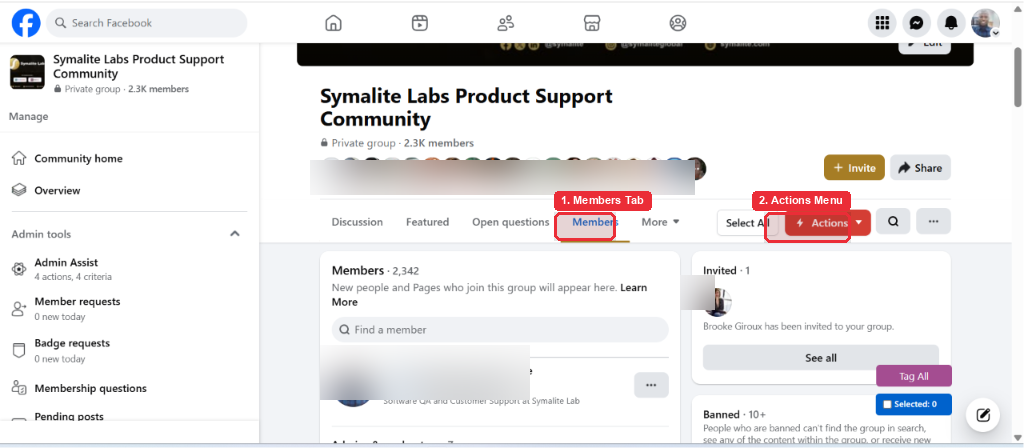
Log in to Facebook, navigate to your Facebook group, and click Members in the group navigation tab.
Step 2: Select the Starting Member for Export
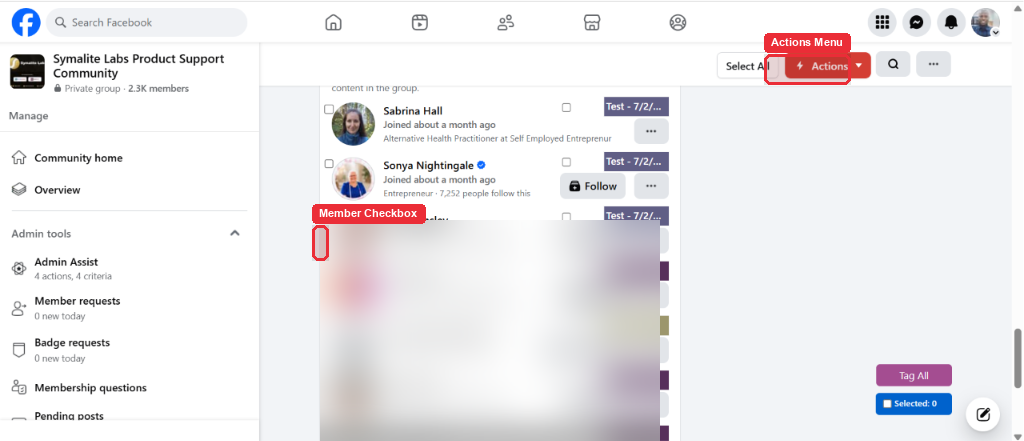
Scroll through the member list to locate the first member from where you want to start exporting, then click the checkbox next to their profile name.
Note: Checking your initial starting member reveals the bulk selection toolbar controls at the top of the page.
Step 3: Auto-Select Bulk Members Using Add Next 30
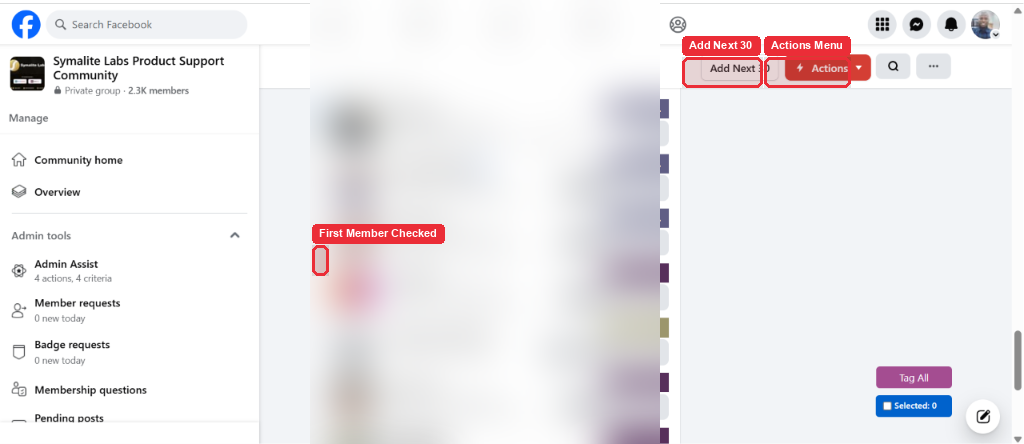
Click Add Next 30 in the top navigation bar to automatically select the next 30 consecutive group members starting from your initial selection.
Tip: Instead of clicking each checkbox manually, Add Next 30 instantly selects a batch of 30 members for rapid bulk export.
Step 4: Open Actions Menu and Select Export Members
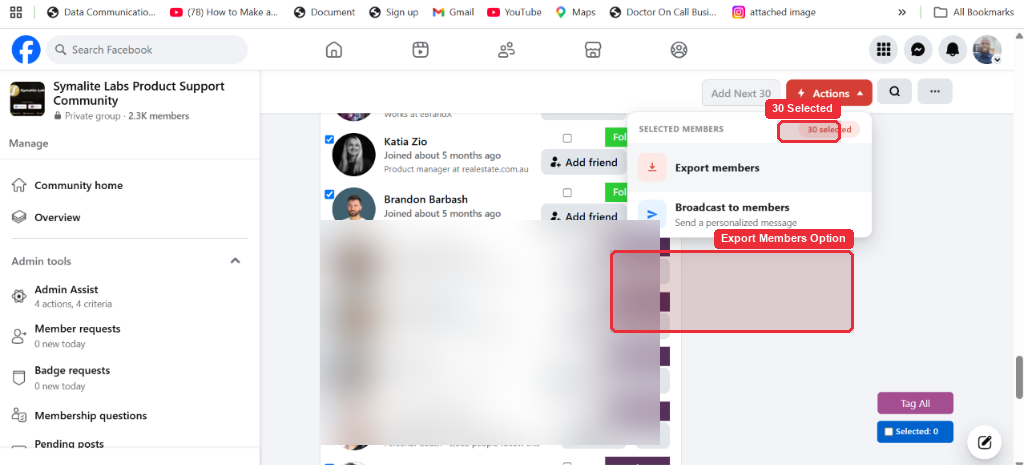
Click Actions in the top navigation bar, then click Export members from the dropdown menu.
Note: When Broadcast messaging is enabled in your extension settings, the standard Export button transforms into an Actions menu with options for Export members and Broadcast to members.
Step 5: Confirm Data Export Progress
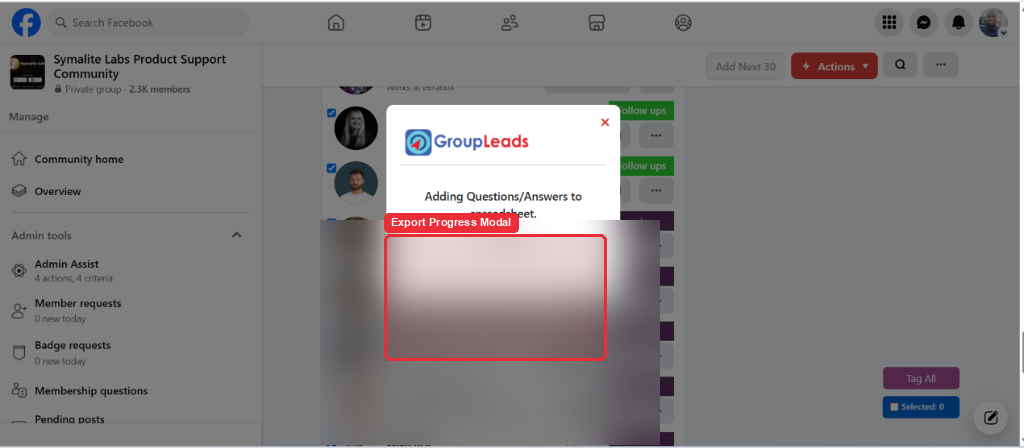
Wait a few seconds while GroupLeads extracts member information and displays the progress popup. Once finished, member details, email addresses, and question answers are automatically saved to your Google Sheet and connected CRM.
✅ You're all set — your existing Facebook group member data is exported to your Google Sheet and CRM.