
How to log in to the Group Leads Web App
This guide shows you how to log in to your GroupLeads account and what to do if you forget your password.
1. Go to the GroupLeads Website
Open your browser and visit the GroupLeads website.
Click or type the following link in your browser:https://groupleads.net
2. Enter Your Login Details
You will now see the login form where you can enter your account credentials.
- Enter your Email Address
- Enter your Password
- Click the Login button
 Once submitted, you will be logged into your GroupLeads dashboard.
Forgot Your Password?
If you can’t remember your password, don’t worry—you can easily reset it from the login page.
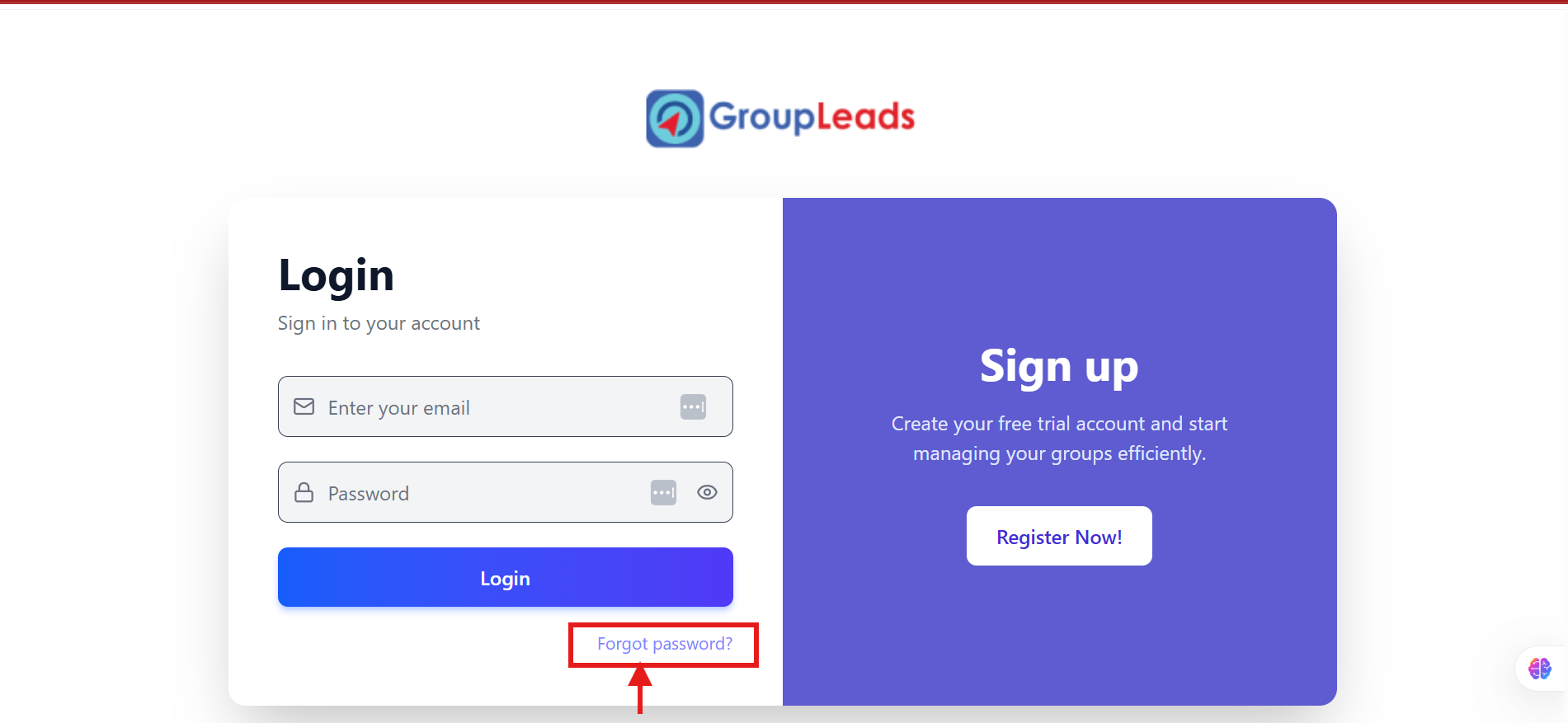
Look for the “Forgot Password?” option and follow the instructions to reset your password and regain access to your account.