
How to use Group Leads Webhook
What is a webhook?
A webhook allows one system to send real-time data to another when an event occurs. GroupLeads uses webhooks to send new group member data to your server when a member is approved.
Before you begin
1. Ensure that your webhook URL is publicly accessible (e.g., https://yourdomain.com/webhook-handler).
2. The endpoint accepts POST requests.
3. JSON data is processed correctly.
Setting up the webhook in Groupleads
1. Launch the GroupLeads extension
2. Click the menu button at the top-right and select the webhook option
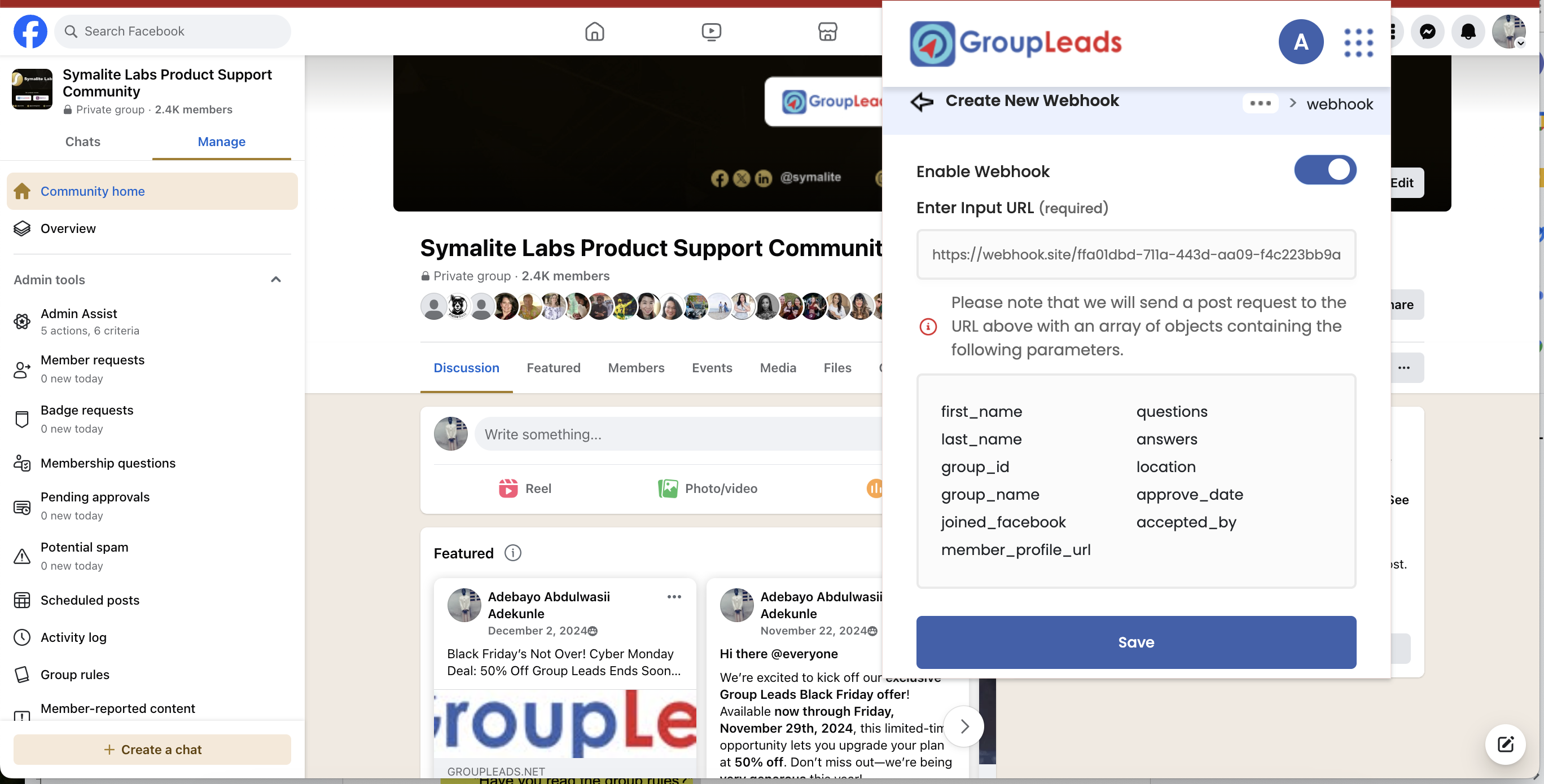
2. Enter your webhook URL in the Webhook menu.
3. Enable the Webhook option.
4. GroupLeads will now send member data to your server when a new member is approved.
Congratulation 🚀
Your system is now set up to receive new member data automatically!